PIVOT / INDUSTRY EXPERTISE
Real estate and offices
Organize reception, directories, access and communication.
Real companies, real projects
Work that speaks for itself.
 Pivot reference
 Carbonia reference
 Carbonia reference
 Carbonia reference
 Pivot reference
 Carbonia reference
 Pivot reference
 Carbonia reference
 Carbonia reference
 Carbonia reference
 Carbonia reference
 Carbonia reference
Pivot references and projects presented by Carbonia. Each brand is attributed to its team; select a logo to view its source.
PURPOSE BEFORE TECHNOLOGY
Journeys designed
for your reality.
Organize reception, directories, access and communication. We start with site workflows to define an initial scope and coordinate hardware, software and support.
Provide the right information
Choose a need and reach information or human assistance.
Explore this journeyWelcome a visitor
Retrieve a fictional registration and prepare the next step.
Explore this journeyVerify entry entitlement
Present synthetic access and understand approval or denial.
Explore this journeyEXPERTISE THAT SERVES YOUR INDUSTRY
The right elements.
A coherent whole.
Access control, guard booths and autonomous spaces
Organize pedestrian and vehicle access, guard booths and autonomous spaces around site rules.
Interactive kiosks
Welcome, inform, order, pay or check in using a kiosk.
Digital signage
Choose content, screens, schedules and publishing rules for a network.
Building automation, infrastructure and integration
Connect building automation, devices and networks around your organization’s needs.
FORMATS AND CONFIGURATIONS
The elements
that make up the journey.
Choose format, peripherals and connections together. Configure variants in the detail.
 Concept
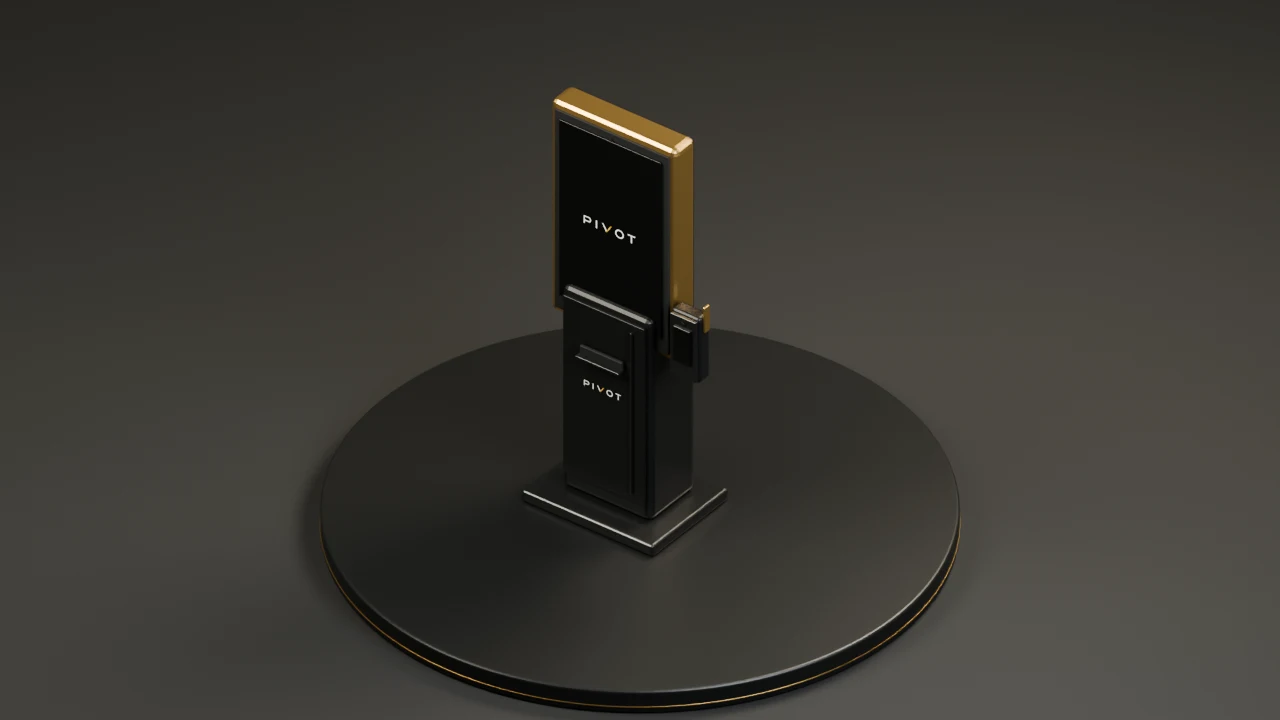
Reception and concierge kiosk
A reception kiosk for finding information, services or human help.
 Concept
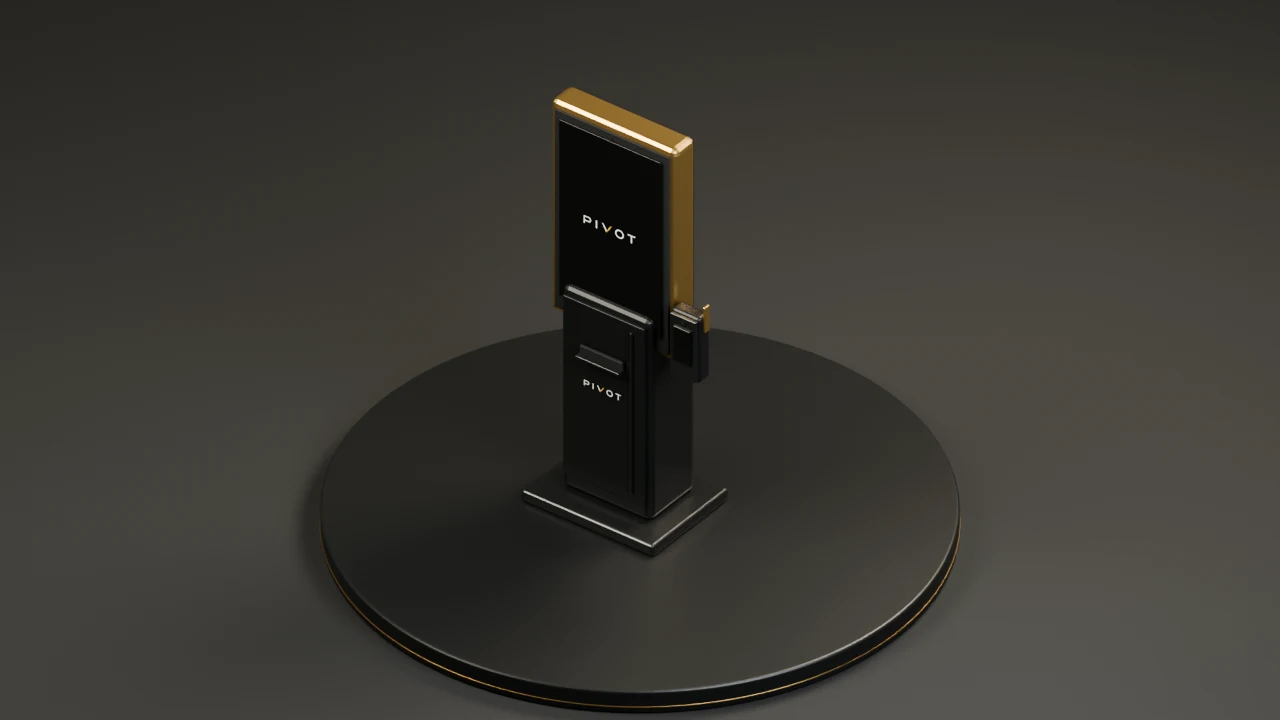
Check-in kiosk
An arrival kiosk retrieving a registration and guiding visitors to the next step.
 Concept
Access gates and smart doors
A gate or door connected to site authorization rules.
 Concept
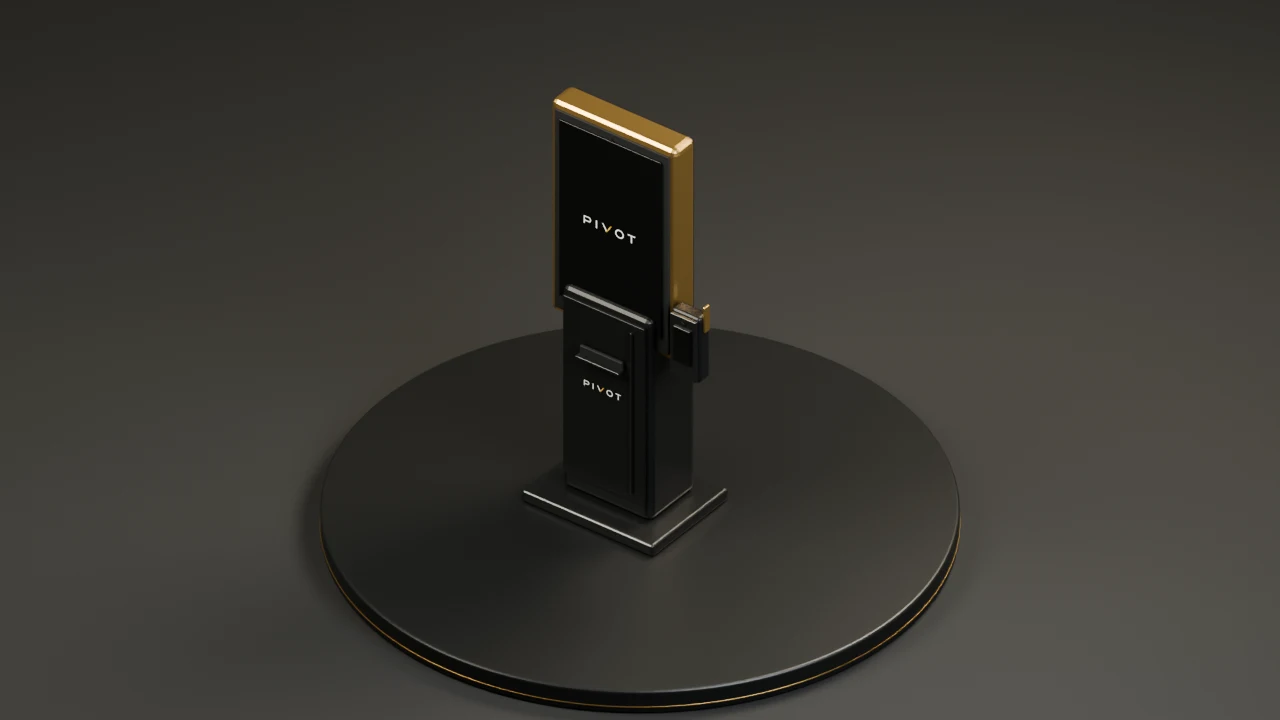
Access control kiosk
A validation kiosk connecting QR, card or account to entry entitlement.
FROM REQUIREMENTS TO COMMISSIONING
A clear scope.
Concrete progress.
Organize reception, directories, access and communication.
- 01
Welcome the visitor
We start with people, the site and existing tools to define the initial journey.
- 02
Find the right contact
Organize reception, directories, access and communication. Hardware, software and connections are scoped together.
- 03
Coordinate access
We define the pilot site, tests, responsibilities and conditions for extending the project.
TO DEFINE THE PROJECT
The right questions.
From the start.
Where should a real estate and offices project start?
Start with your priority workflow: organize reception, directories, access and communication. Existing tools and site constraints define the initial scope.
Can we keep our current systems?
We review existing tools, their APIs and available permissions. Useful connections are confirmed in the proposal before implementation.
Can we start with one location?
Yes. An initial scope validates the journey, equipment and operation before defining an expansion to other sites.
YOUR CONTEXT IS OUR STARTING POINT
Let’s define your
initial scope.
Tell us about your real estate and offices requirements, the location and your existing tools. You can start without choosing a model.
Prepare my project